Docs Examples

Start from a course
that works.

Each example is a whole course, and each is arranged differently: questions with a checked tutor, a PDF reading, writing, a voice conversation, your own web page beside the AI, and answers from a library’s guides. Use one and it becomes your own draft course to change, or download it as a package.

01 A grade 5 math class

Equivalent fractions, grade 5

  • Questions with an answer key
  • VETTING checks each hint
  • Math misconceptions
  • A post-test without AI

Looks like Playground: big tiles, thick outlines, rounded type: for young learners.

  • Practice: equivalent fractionsQuestions · the AI: Hints only
  • Check: equivalent fractionsQuestions · no AI

Aligned to Standard 5.NF.A.1 (Common Core)
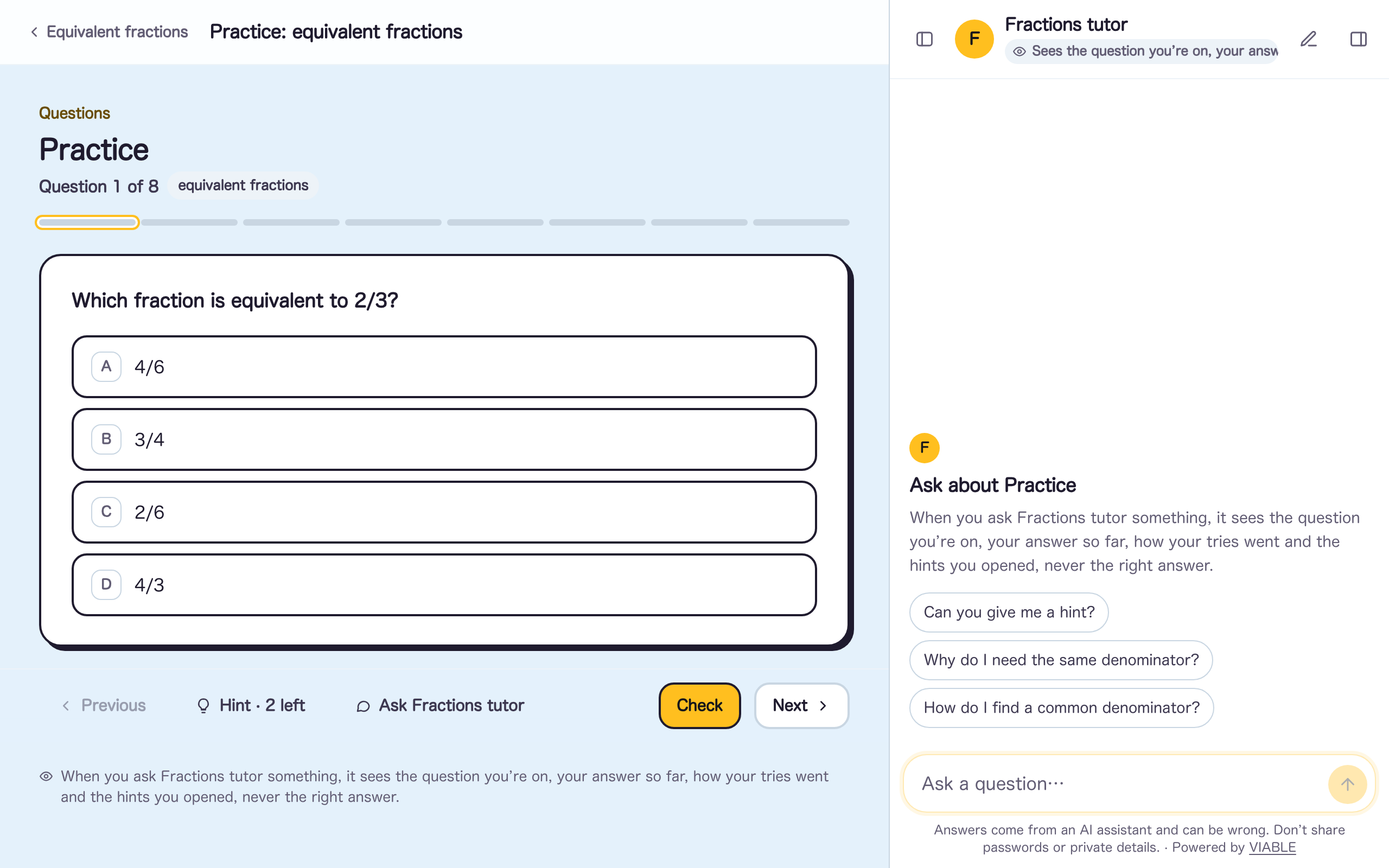
Practice: equivalent fractions, as a learner sees it in this example
Practice: equivalent fractions, as a learner sees it

02 Grade 6–8 science

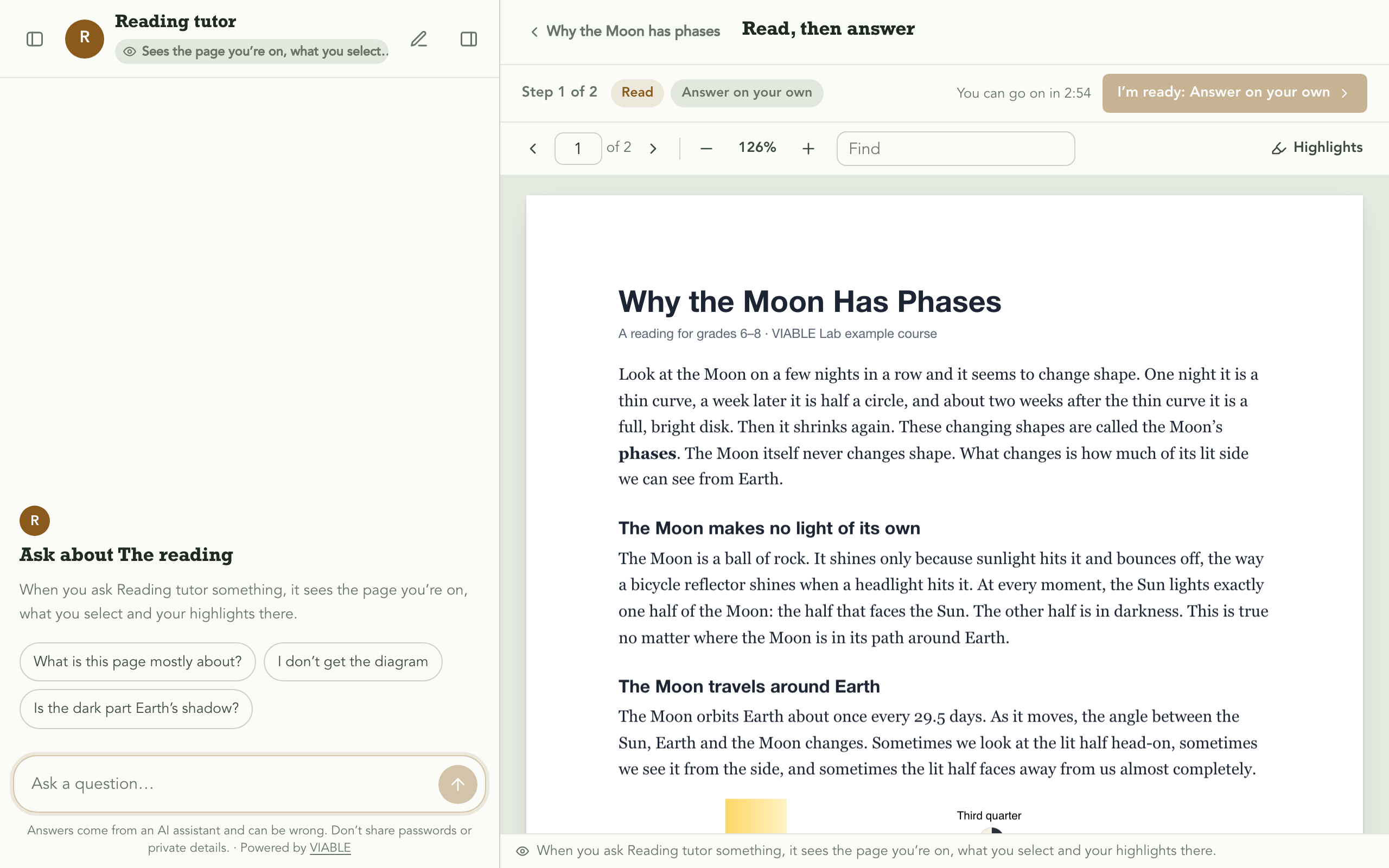
Reading with a Socratic tutor

  • A PDF to read and highlight
  • The AI on the left, seeing the page
  • Steps: read, then answer
  • The AI leaves for the questions

Looks like Field guide: graph paper and slab headings; each activity a tag.

  • Read, then answerReading and Questions · the AI: Ask first
Read, then answer, as a learner sees it in this example
Read, then answer, as a learner sees it

03 High-school English, or first-year college writing

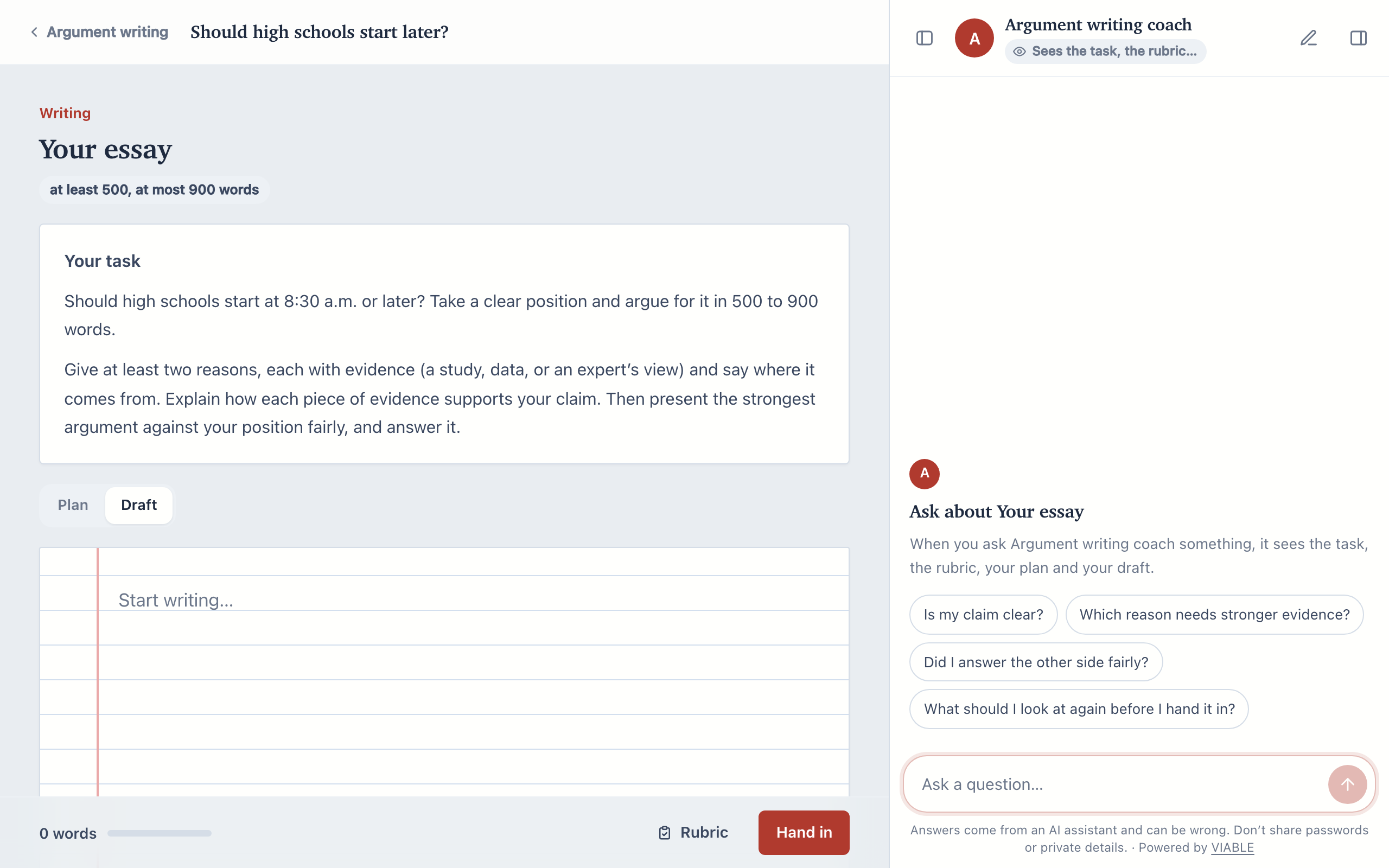
Argument essay with an AI beside the draft

  • Writing with a plan and rubric
  • Self-check against the rubric
  • Locked once handed in
  • An AI that only checks

Looks like Notebook: ruled paper with a margin line; the next activity on a sticky note.

  • Should high schools start later?Writing · the AI: Only check
Should high schools start later?, as a learner sees it in this example
Should high schools start later?, as a learner sees it

04 English learners, beginner to intermediate

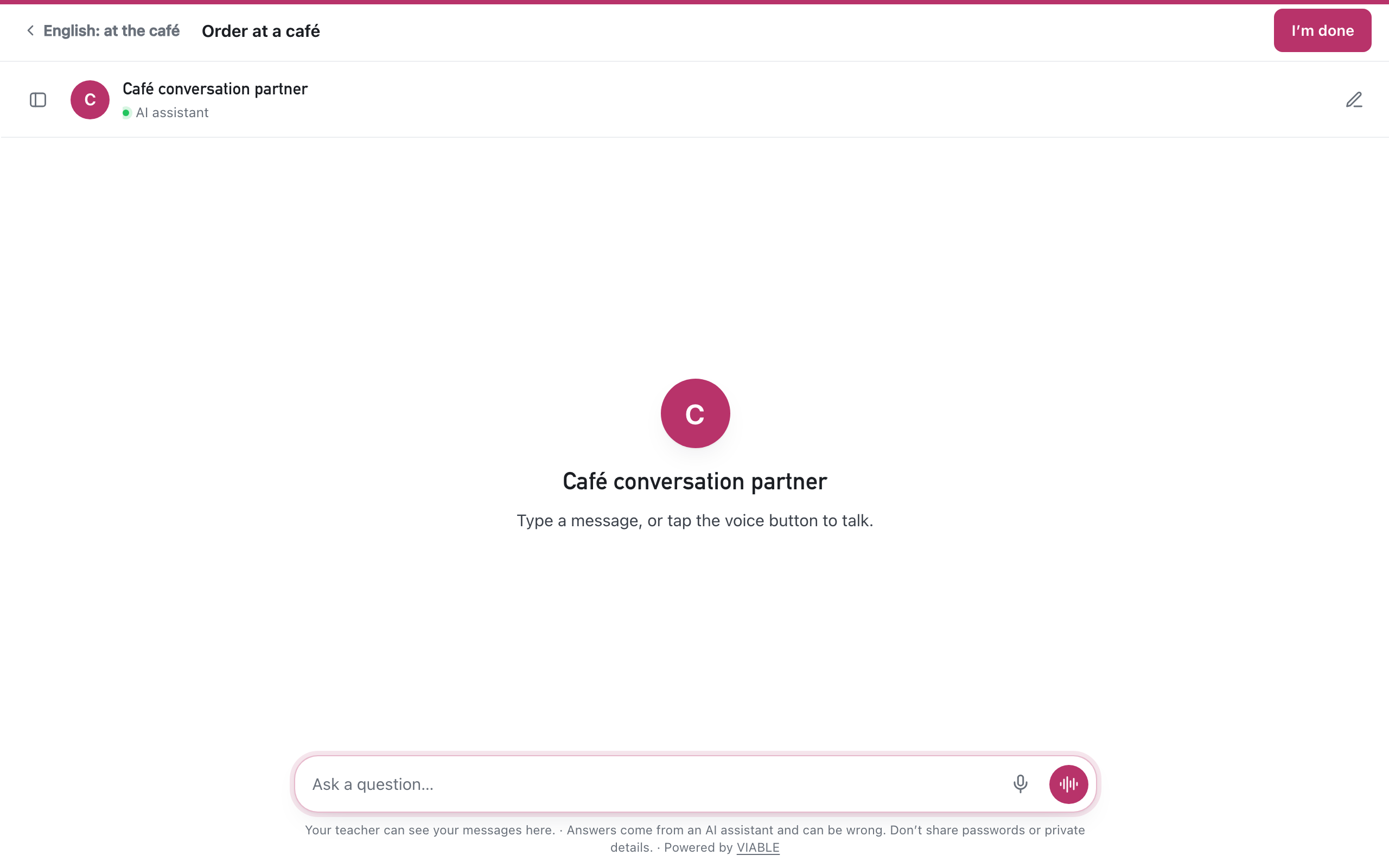
Speaking practice in English

  • Learners talk, not type
  • Replies read aloud
  • Hands-free conversation
  • Recordings not kept

Looks like Route: a transit line: each activity a stop, the next on the board.

  • Order at a caféVoice conversation · the AI: Explain when stuck
Order at a café, as a learner sees it in this example
Order at a café, as a learner sees it

05 Grade 6–8 science, and app developers

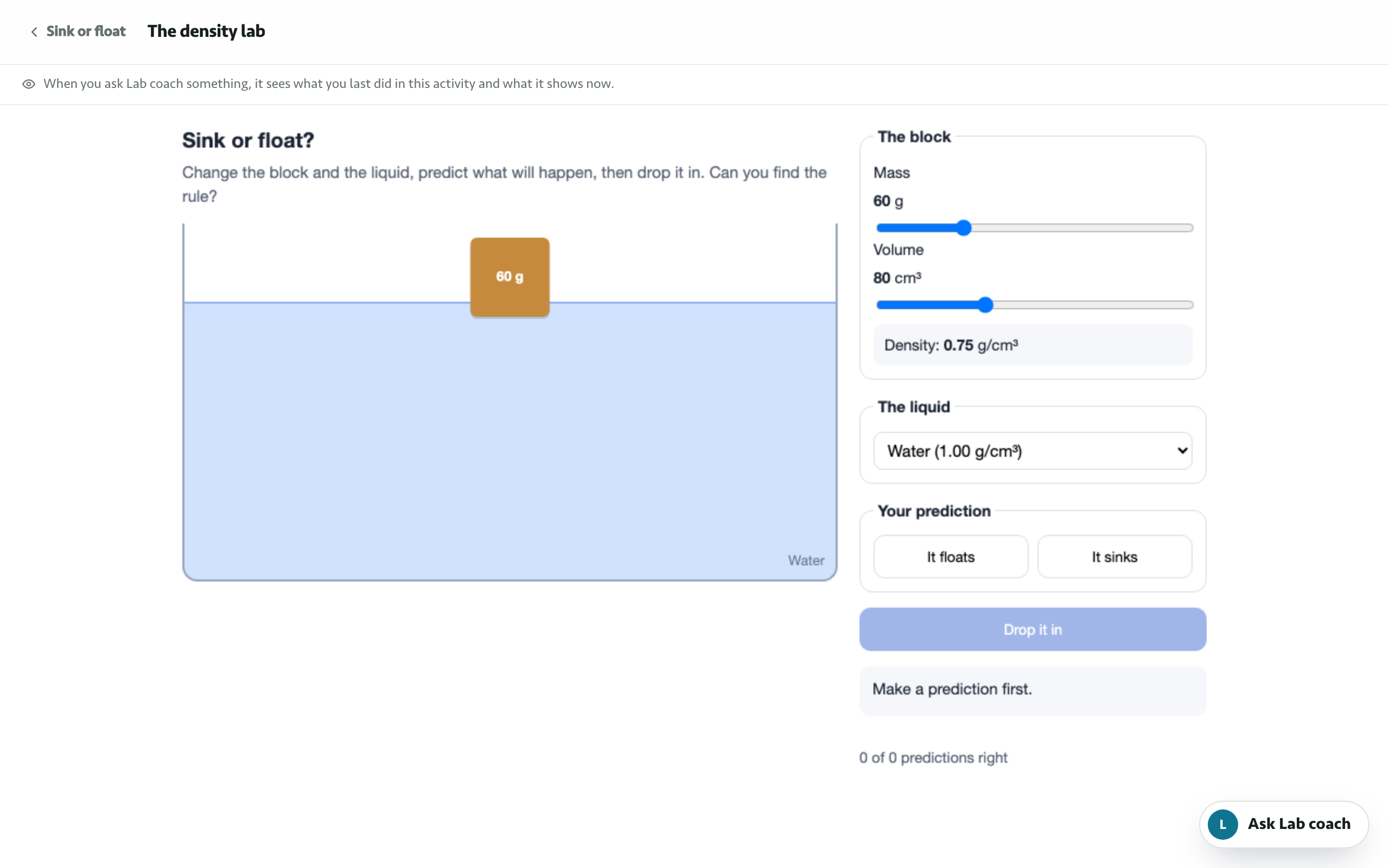
Sink or float: a lab beside an AI

  • Your own web page in an activity
  • The AI sees what learners do there
  • The AI in a corner
  • The page says when they’re done

Looks like Clear: plain and calm: open lists, the next activity marked by a bar.

  • The density labEmbedded page · the AI: Ask first
The density lab, as a learner sees it in this example
The density lab, as a learner sees it

06 A library workshop, or the library’s website

Research help from the library’s guides

  • Answers from a knowledge base
  • Citations to each guide
  • A chat page for a website
  • A durable skill

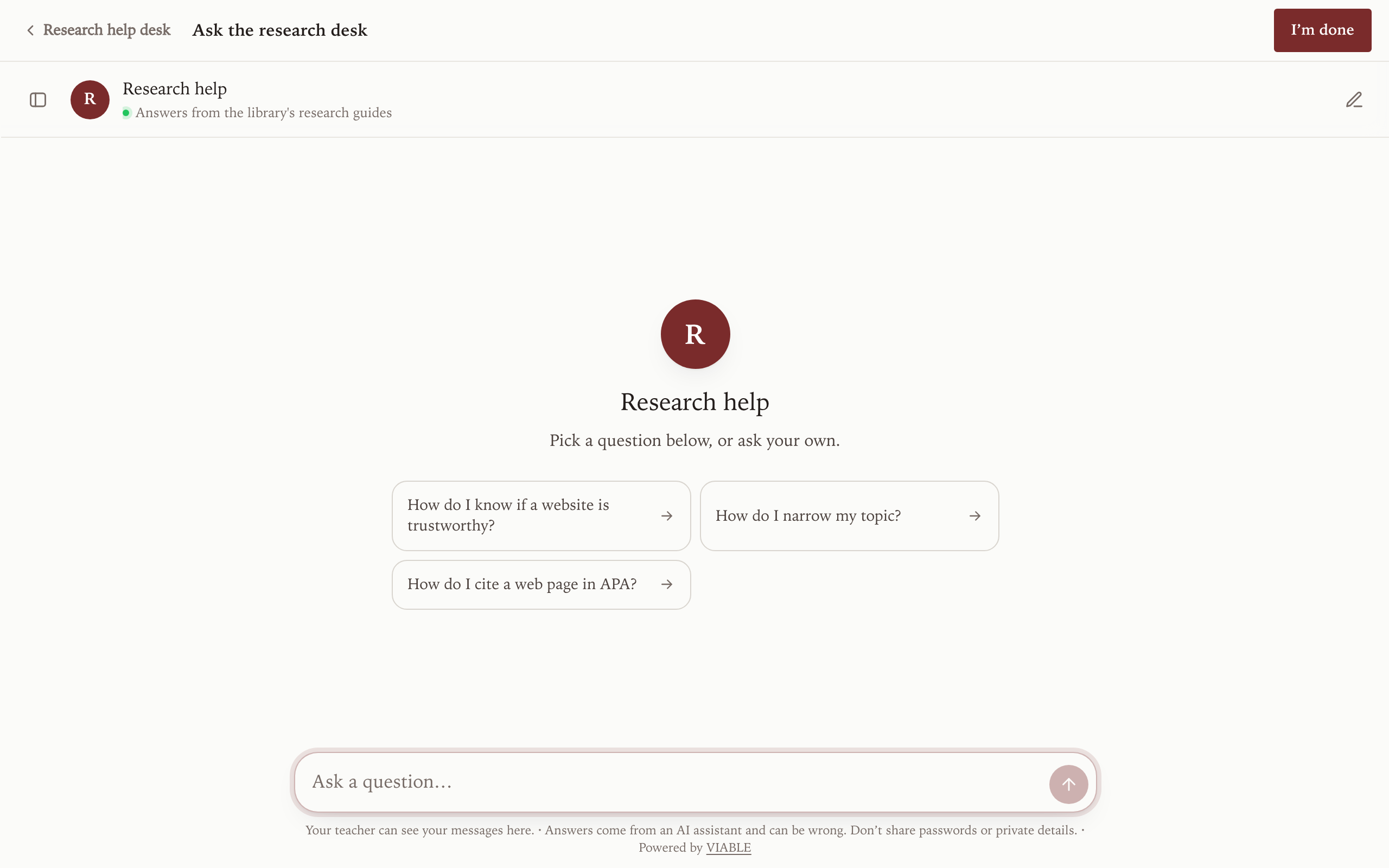
Looks like Reading room: a book page in one serif; the activities as its contents.

  • Ask the research deskChat · the AI: Ask first

Aligned to Skill CT.2.2, evaluating evidence (Carnegie Skills Progressions)

The same desk as a chat page: on a library website on its own page

Ask the research desk, as a learner sees it in this example
Ask the research desk, as a learner sees it

What happens when you use one

  1. Choose the keyThe course is added to the project you have open, with your own copies of its agents and question sets. You choose the key that pays for its AI.
  2. Look it over as a learnerIt starts as a draft. Preview it, then change the questions, the task or how the AI helps to fit your class.
  3. Open it and share the linkAdd your class list if you use one, open the course, and follow along in Progress.

An example never brings learners, keys or anyone’s data. Its files come with it: the reading’s PDF and the library’s guides land in a knowledge base in your project. Any course can travel the same way, with its files: Examples and packages.