
Share one course with a co-teacher or an assistant, like sharing a document. They get that course, not the rest of your project.
Share it
- Open the course. In Teach → Courses, open it and press Share at the top.
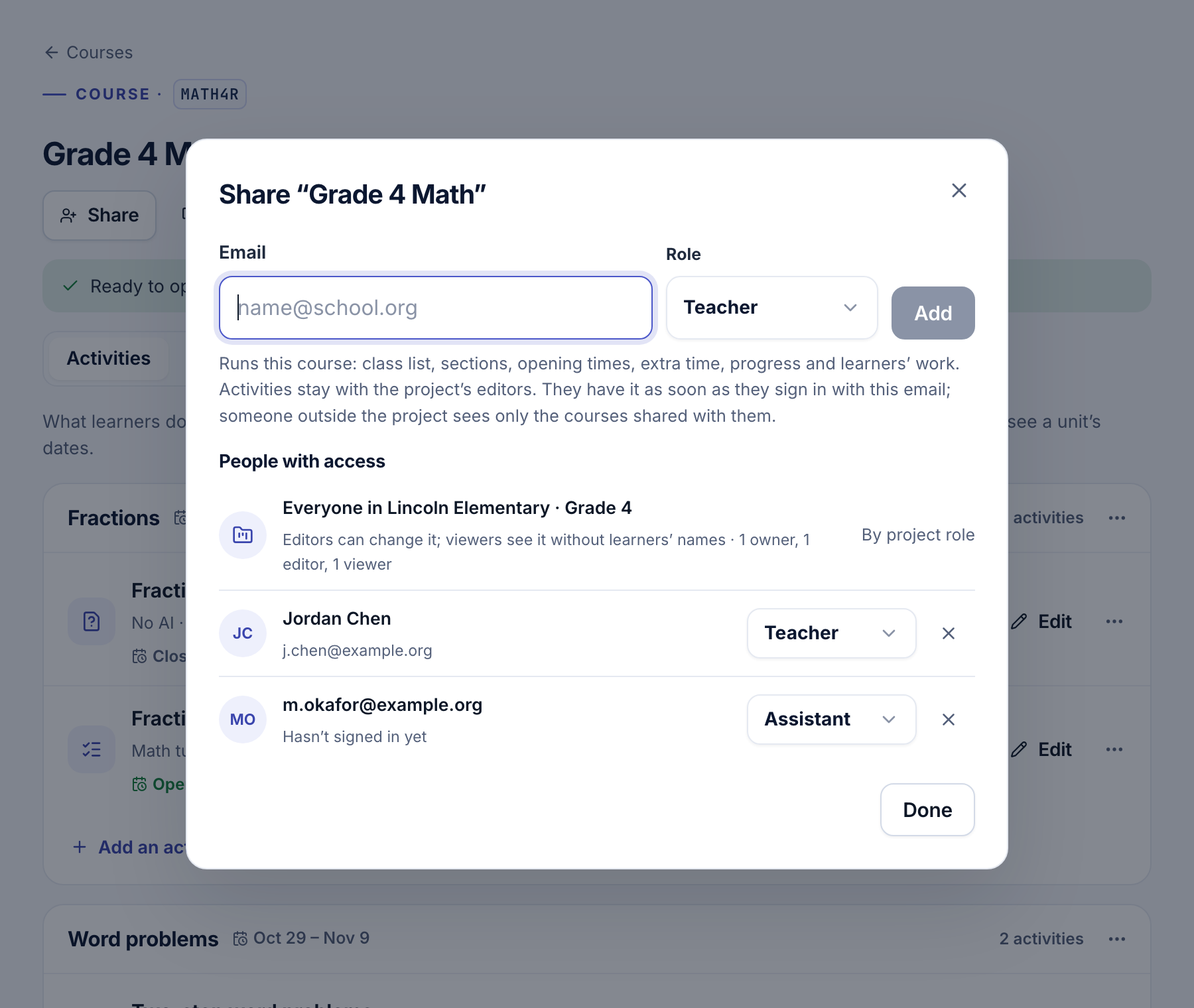
- Add them. Type their email, choose Teacher or Assistant, and press Add.
- That's it. We email them the link. They have the course as soon as they sign in with that email, with or without an account today.
There is nothing to accept. Under People with access, the dialog lists everyone in the project first, then each person you shared it with.
Who can do what
Teacher and assistant are roles on this course; editor and viewer are roles in the whole project.
| Teacher | Assistant | Editor | Viewer | |
|---|---|---|---|---|
| Progress, flags and learners' work, with names | Yes | Yes | Yes | Codes only |
| Mark what to look at as seen | Yes | Yes | Yes | No |
| Class list, sections, opening times, extra time | Yes | No | Yes | No |
| The course's settings (not its AI key) | Yes | No | Yes | No |
| Share the course | Yes | No | Yes | No |
| Activities, the AI key, deleting the course | No | No | Yes | No |
A teacher or assistant from outside the project sees only the courses shared with them: the project switcher shows the project as Shared course, and Teach → Courses lists just those. The project's agents, studies, keys, logs and learners stay hidden.
Someone who is already in the project keeps their project role and gets the higher of the two on this course: a viewer you share with as a teacher sees names there.
A study in several schools
A study's courses can sit in one project, one per school. Share each school's course with its own teachers: each sees only their course and its learners. The activities stay the study's design, the same at every school.
Note
Project editors can change every course in the project. Make someone an editor only if they build activities or the study; share a course with a teacher who runs one class.
Stop sharing
In Share, choose another role from a person's role menu, or press × to remove them. They lose the course at once; what their learners did stays. A teacher can remove themselves, which the dialog calls leaving the course.
- Learners and sign-in: sections, code cards and extra time.
- Following progress: see who has done what, and what to look at.
- Members and roles: roles that cover the whole project.